How CheckinSecure works
A flow designed so an owner or manager with no technical background can comply with traveller registration and SES Hospedajes from start to finish -- and manage the accommodation contract when enabled.
-
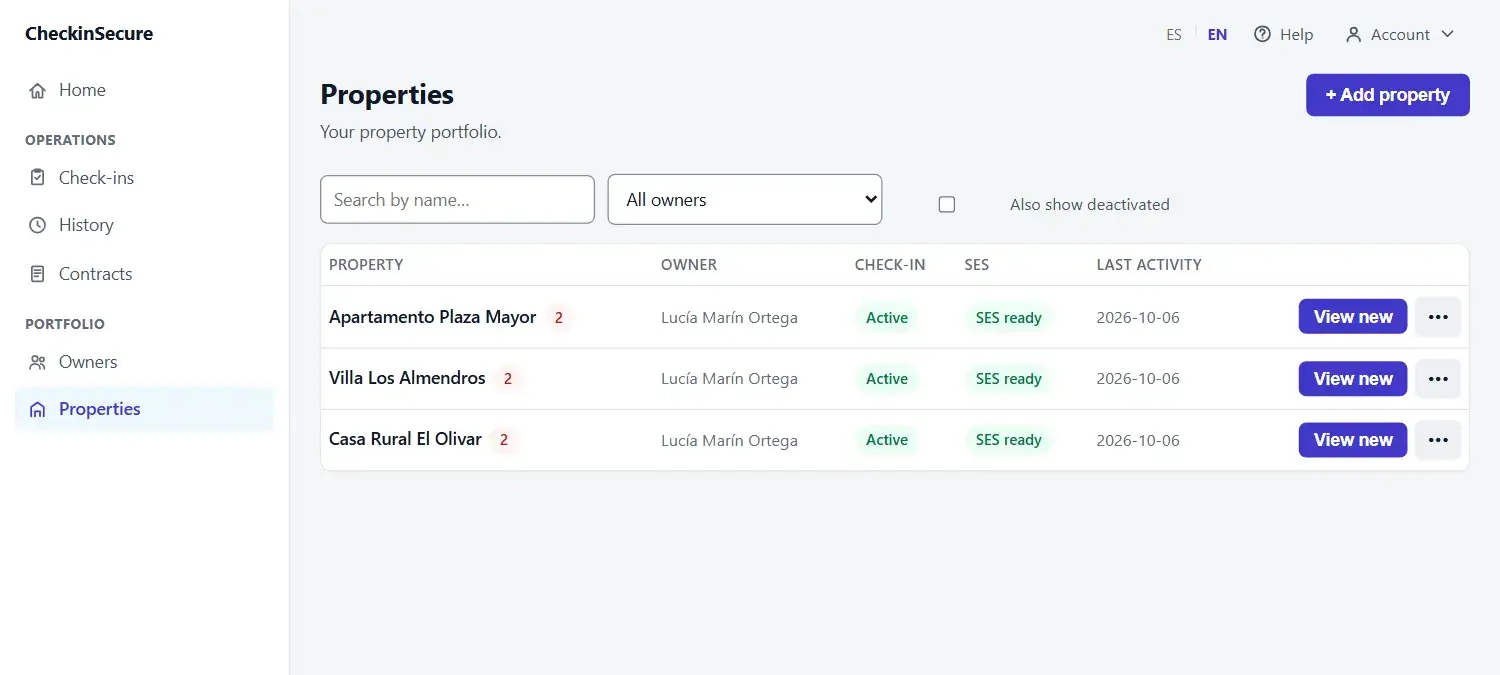
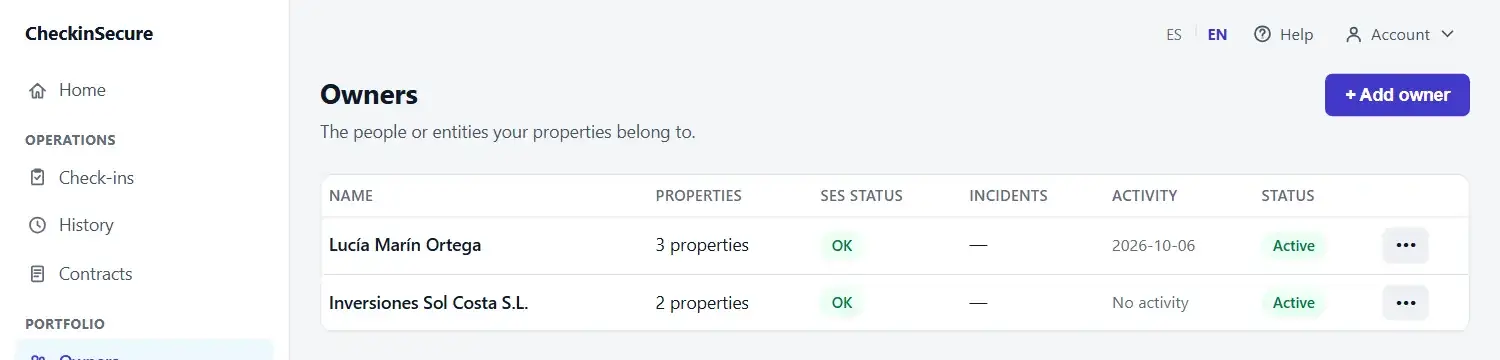
1. Set up your property
You add your details and connect or configure your SES profile (the entity that reports to SES.Hospedajes). You can do this for one or several properties.
-
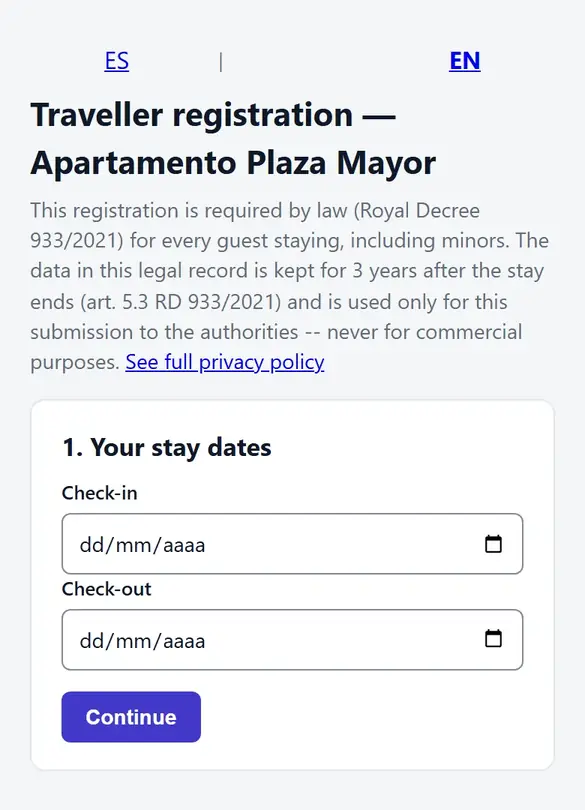
2. Share the check-in link
Each property gets a unique link. Share it with your guests (WhatsApp, email, however you prefer) and they fill in their own data from their phone, before or during their stay.
-
3. CheckinSecure prepares the information
Before sending anything, we validate what we can check (documents, dates, required fields depending on guest type) to reduce avoidable errors.
-
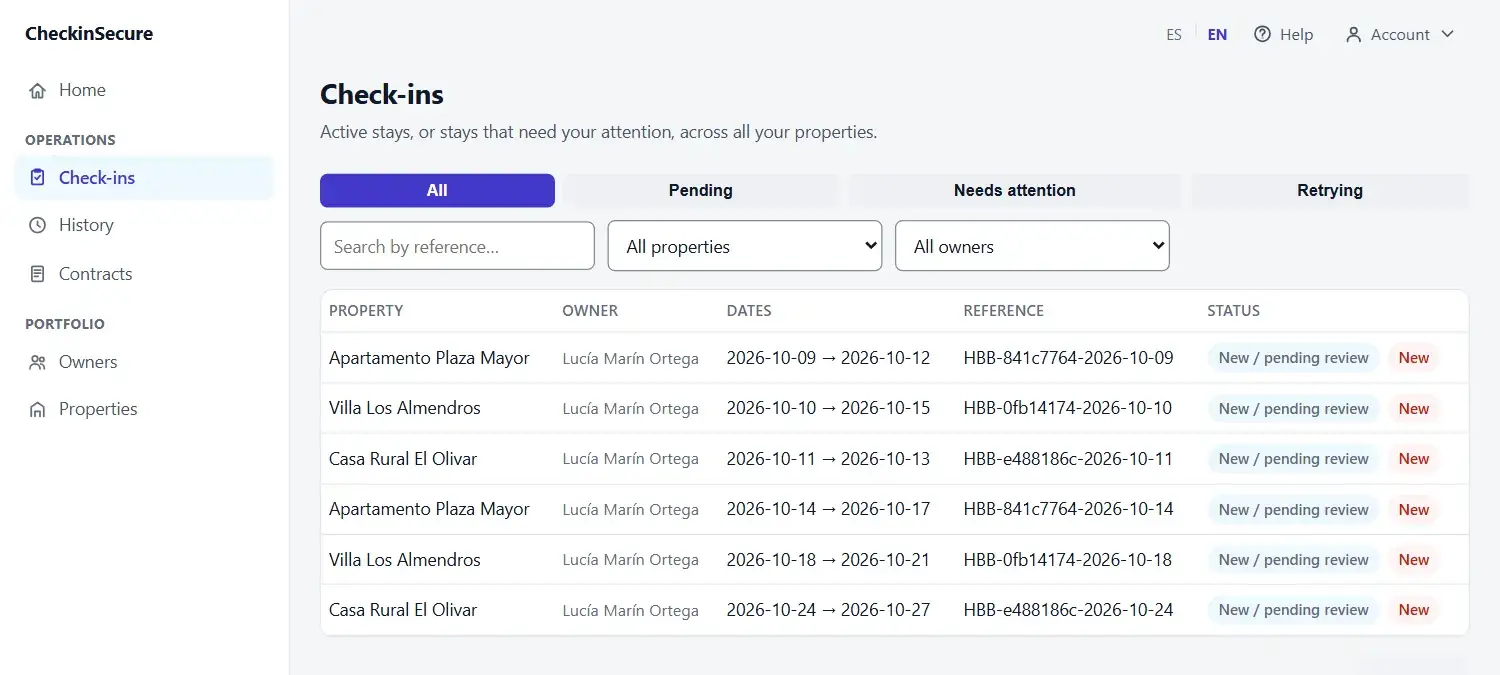
4. Communication with SES
Depending on the mode you choose (automatic or manual), the submission is sent and processed. The status of every submission is recorded and visible in your panel.
-
5. If SES flags a problem
Not every error can resolve itself. Our system retries automatically when it's safe, explains clearly what to fix when you need to act -- showing exactly which data or which guest needs review, never technical SOAP/XML jargon -- and if it truly can't be resolved that way, we escalate to support.
Our model, no unrealistic promises
We don't claim every error resolves itself automatically. The real model is: automatic retry when safe → clear instructions when the owner needs to act → support when nothing else resolves it.
And if something goes wrong, we don't leave you with an error code: we explain what's happening and what you need to fix.
If you have Contracts enabled: the accommodation contract
When a property has the contracts feature enabled, the guest reviews and accepts the accommodation contract within the same check-in, with no separate step or form. CheckinSecure generates the document and the owner can finalize it according to the property's flow; the guest receives their own copy. The accommodation contract never blocks or delays traveller registration with SES Hospedajes -- they're two independent processes.
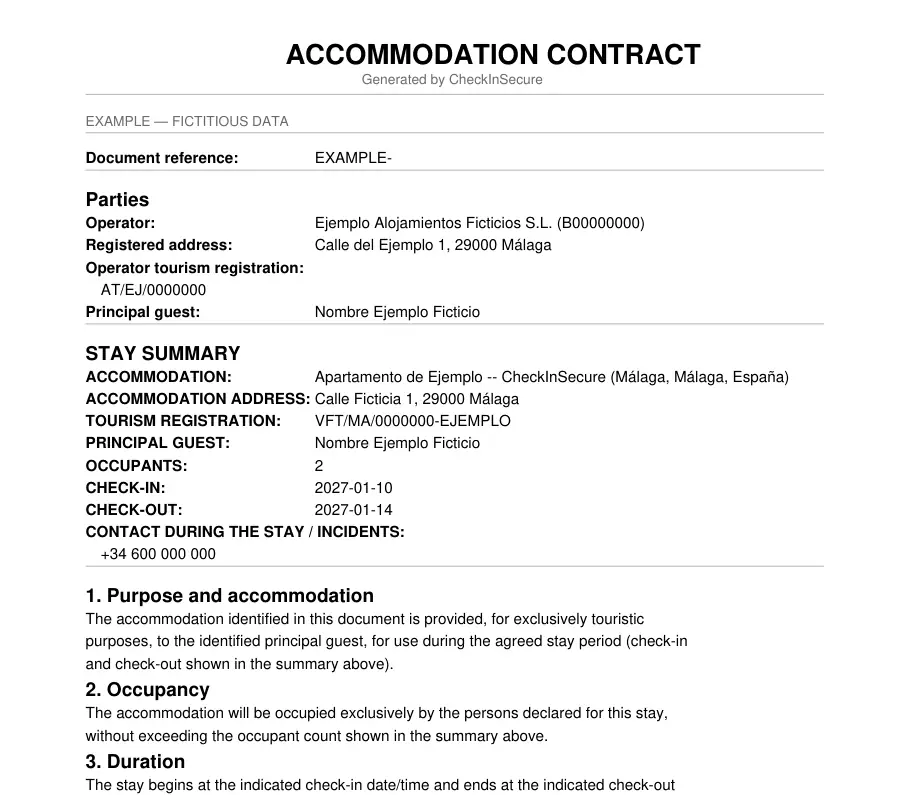
Properties in Andalucía
For properties in Andalucía, the contract flow has one nuance: the guest completes and accepts the contract during check-in, the SES Hospedajes communication proceeds independently, and later the owner adds the total agreed price so the contract can be finalized and sent. This is not part of the traveller-registration obligation (Royal Decree 933/2021) -- it's a separate contractual requirement under the applicable regional tourism regulation.